
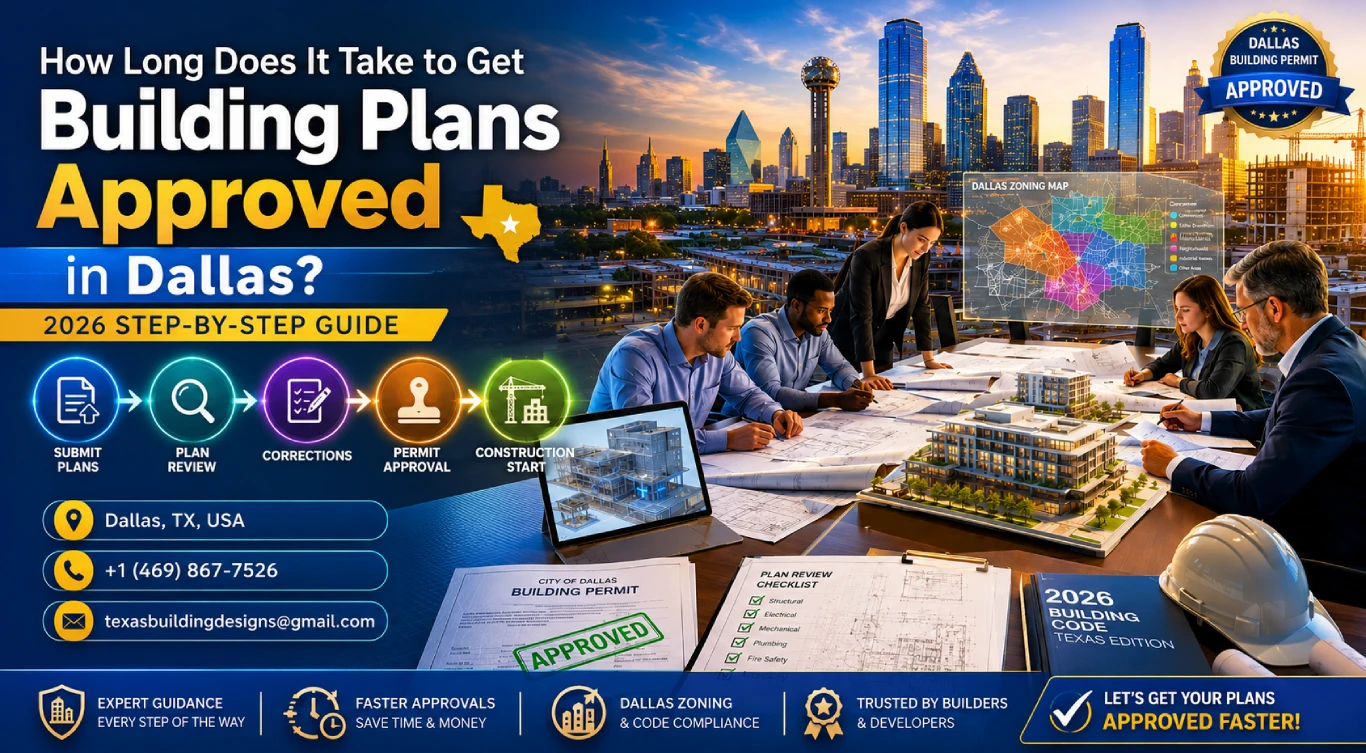
Building permit approval in Dallas refers to the city's plan review process managed by the Development Services Department (DSD). Key steps include submitting permit-ready drawings, zoning review, structural and MEP plan review, and final approval. Standard residential permits take 4–8 weeks; commercial projects may take 8–16 weeks depending on complexity.
You've got the land. The blueprints are ready. Now you're asking the one question every property owner in Dallas dreads: How long is this permit going to take?
The honest answer? It depends — but only if you go in blind. Most delays in Dallas building permit approval aren't caused by the city. They're caused by incomplete drawings, missing documents, or designs that don't match local zoning rules.
This guide breaks down every step of the Dallas plan review process, gives you real timelines, and shows you exactly how to avoid the mistakes that push projects back by weeks — or months.
Table of Contents
- What Is Building Permit Approval in Dallas?
- Step-by-Step: How the Dallas Permit Process Works
- Dallas Permit Timeline: How Long Does Each Stage Take?
- Documents Required for Building Permit Approval
- Top Reasons Permits Get Delayed (And How to Avoid Them)
- Can You Speed Up the Process? Expedited Plan Review Explained
- Residential vs. Commercial Permits in Dallas — What's Different?
- Frequently Asked Questions
What Is Building Permit Approval in Dallas?
Before any construction begins in Dallas, the city requires you to submit your plans for review and get formal approval — this is the building permit approval process.
It's managed by the Dallas Development Services Department (DSD). Their job is to make sure your proposed structure meets:
- Dallas Building Code requirements
- Zoning and land use rules for your specific parcel
- Structural and fire safety standards
- Accessibility and MEP (mechanical, electrical, plumbing) compliance
The permit isn't just paperwork. It's legal authorization to break ground. Without it, any construction is unpermitted — and that creates serious problems when you try to sell, refinance, or insure the property.
At Texas Building Design, we prepare permit-ready construction drawings that are designed to pass Dallas DSD review on the first submission. That alone saves most clients 2–4 weeks compared to going in with incomplete plans.
Step-by-Step: How the Dallas Permit Process Works
The Dallas permit process follows a set sequence. Understanding each stage helps you plan your project timeline accurately.
- Prepare permit-ready architectural and structural drawings
- Create a PermitTo account and submit plans via Dallas DSD portal
- Pay the permit application fee (based on project valuation)
- Plans enter the DSD review queue (zoning, structural, MEP reviewers)
- Respond to any revision requests (RFIs) from city reviewers
- Receive permit approval and schedule your first inspection
Step 1 — Prepare Your Construction Documents
This is where projects succeed or fail. Your drawings must be complete, to-scale, and code-compliant before you even log into the DSD portal. Dallas reviewers reject incomplete submissions — and every resubmission adds weeks.
Your permit package typically needs architectural plans, structural drawings, site plans, and MEP layouts. A licensed building designer in Dallas handles all of this in one coordinated set of documents.
Step 2 — Submit Through the Dallas PermitTo Portal
Dallas processes most permit applications through the PermitTo online portal. You upload your drawings, fill in project details (address, project type, estimated construction value), and pay the initial application fee.
Some simple projects — like minor interior remodels under certain thresholds — qualify for over-the-counter (OTC) permits, which can be approved same day or within a few business days.
Step 3 — DSD Plan Review Begins
Once submitted, your application enters the DSD review queue. Multiple reviewers look at your plans simultaneously — zoning compliance, building code, structural engineering, and MEP systems all get reviewed by separate staff members.
This parallel review process is actually faster than it used to be. But each reviewer can independently flag issues and issue revision requests.
Step 4 — Respond to Revision Requests
Most projects receive at least one round of comments (called Requests for Information or RFIs). The faster your design team responds with corrected drawings, the faster you move to approval.
This is where working with an experienced local firm pays off. Designers familiar with Dallas DSD reviewers know what to expect and typically address comments in one revision cycle instead of three.
Step 5 — Permit Issued
Once all reviewers approve your plans, the permit is issued. You'll receive a permit number and approved drawing set. Construction must follow these approved plans exactly — any field changes require an amendment permit.
Dallas Permit Timeline: How Long Does Each Stage Take?
Here's the honest breakdown most people don't get upfront:
| Stage | Residential (Single-Family) | Commercial / Multi-Family |
|---|---|---|
| Document preparation by designer | 3–5 weeks | 4–10 weeks |
| Initial DSD intake & fee payment | 1–3 business days | 1–3 business days |
| Plan review (first pass) | 2–4 weeks | 4–8 weeks |
| Revision response (if required) | 1–2 weeks | 2–4 weeks |
| Final approval & permit issuance | 3–5 business days | 3–7 business days |
| Total (from design start) | 6–12 weeks | 10–22 weeks |
Note: These are typical timelines for standard projects with clean, complete drawings. Projects with zoning variances, historic district overlays, or floodplain issues take longer.
Dallas DSD publishes current plan review turnaround estimates on their website — it's worth checking before you plan your construction start date.
📐 Ready to start your Dallas project? Texas Building Design prepares permit-ready drawings that are built for first-pass DSD approval — saving you weeks of back-and-forth.
Documents Required for Building Permit Approval in Dallas
The DSD is specific about what goes into a permit package. Missing even one required document can trigger a rejection at intake — before your plans even reach a reviewer.
Here's what a standard residential permit package in Dallas requires:
- Site plan — showing property boundaries, setbacks, existing structures, and proposed footprint
- Architectural drawings — floor plans, elevations, sections, and roof plan (to scale)
- Structural drawings — foundation plan, framing plan, beam and column schedules
- MEP drawings — mechanical, electrical, and plumbing layouts (required for most new construction)
- Energy compliance documentation — typically a Manual J or ENERGY STAR compliance report
- Soils/geotechnical report — required for some foundations and all commercial projects
- Survey or plat — legal property boundaries from a licensed surveyor
Commercial projects add fire suppression plans, accessibility compliance reports, and sometimes environmental assessments.
Our team at Texas Building Design delivers complete permit packages — architectural, structural, and coordination with MEP engineers — so you arrive at DSD with everything in order.
Top Reasons Dallas Permits Get Delayed (And How to Avoid Them)
Most permit delays are 100% preventable. Here are the most common culprits:
1. Incomplete or Inconsistent Drawings
Floor plans that don't match elevations. Dimensions that conflict. Notes missing from the structural set. DSD reviewers flag every inconsistency — and each one requires a formal response and resubmission.
2. Zoning Violations Baked Into the Design
Designing a structure that exceeds the allowed height, encroaches on setbacks, or doesn't meet the FAR (floor area ratio) for the zoning district is an automatic revision. This is why a zoning feasibility check should happen before the design starts — not after submission.
3. Wrong Project Type or Permit Category
Submitting under the wrong permit category causes delays at intake. An addition that requires a full building permit sometimes gets filed as a repair permit — and the whole application gets kicked back.
4. Slow Response to Reviewer Comments
The clock keeps running while comments sit in your designer's inbox. Dallas DSD typically gives applicants a set window to respond. Missing it can mean your application goes to the back of the queue.
5. HOA or Deed Restriction Conflicts
Dallas permits are issued by the city — but HOA approvals are separate. If your HOA rejects your design after city approval, you'll need to redesign and resubmit. Always get HOA sign-off before finalizing drawings.
The firms that consistently get permits approved fast aren't lucky — they're prepared. Working with a designer who knows Dallas DSD's review standards means fewer surprises after submission.
Can You Speed Up the Process? Expedited Plan Review Explained
Yes — Dallas DSD offers an expedited plan review program for qualifying projects. Here's how it works:
- You pay an additional fee (typically 50–100% of the base permit fee) to move your application to a faster review track
- Expedited review targets a 5–10 business day first review cycle instead of the standard 15–20 days
- Not all project types qualify — large commercial projects and those requiring variances are generally excluded
- Expedited review only helps the city review time — it does not speed up the design phase
The single most effective way to speed up building permit approval in Dallas is submitting complete, accurate drawings the first time. No expedited fee can make up for a poorly prepared permit package.
Our permit-ready design process at Texas Building Design is built around first-pass approval. From first consultation to permit-ready drawings, most residential projects are completed in 3–6 weeks — so you hit the DSD queue ready to go.
Residential vs. Commercial Permits in Dallas — What's Different?
The permit process is the same department — but the requirements, reviewers, and timelines are quite different.
| Factor | Residential | Commercial |
|---|---|---|
| Plan review complexity | Moderate | High — multiple code chapters apply |
| MEP plans required | Usually yes (new construction) | Always required, often engineer-stamped |
| Fire marshal review | Rarely | Always for assembly, restaurant, retail |
| Accessibility (ADA) | Not required (private residential) | Mandatory for all commercial occupancies |
| Typical first-pass review time | 2–4 weeks | 4–10 weeks |
| Permit fee structure | Based on construction value | Based on construction value + use category |
If you're planning a commercial project — retail, restaurant, office, or mixed-use — the permit process involves more stakeholders and stricter documentation requirements. Having a designer experienced in commercial plan submissions in Dallas is not optional; it's essential.
Read more: Custom Home Builder vs. Architect in Texas — Which Do You Need First?
Don't let the permit process delay your build by months.
Texas Building Design delivers permit-ready drawings built for Dallas DSD first-pass approval — residential and commercial.
People Also Ask: Dallas Building Permit Questions Answered
What is the building permit approval process in Dallas?
The Dallas building permit approval process involves preparing complete construction documents, submitting them through the DSD's PermitTo portal, paying the applicable permit fee, and waiting for city plan reviewers to approve the drawings. Most projects go through zoning, structural, and MEP review simultaneously. Once all departments sign off, the permit is issued and construction can begin.
How long does Dallas building permit approval take?
Standard residential permits in Dallas typically take 4–8 weeks from submission to approval, assuming clean drawings with no revision requests. Commercial projects take longer — usually 8–16 weeks. Projects with zoning variances or floodplain issues may take 20+ weeks. The design phase before submission adds another 3–6 weeks for most projects.
How much does a building permit cost in Dallas?
Dallas permit fees are based on the estimated construction value of the project. Residential new construction typically runs from $500 to $3,000+ depending on project size. Commercial permits can range significantly higher. Dallas DSD also charges plan review fees, which are separate from the permit issuance fee.
What documents are required for a Dallas building permit?
A standard Dallas building permit package requires a site plan, architectural drawings (floor plans, elevations, sections), structural drawings, MEP plans, energy compliance documentation, and a property survey. Commercial projects require additional documents including fire suppression plans and accessibility compliance reports.
Can I submit building permit applications online in Dallas?
Yes — Dallas DSD processes most permit applications through the PermitTo online portal. You upload your drawings, provide project details, and pay fees electronically. Some minor projects qualify for over-the-counter (OTC) approvals. Large and complex projects may require an in-person pre-application meeting with DSD staff.
What is the difference between over-the-counter and standard permit review in Dallas?
Over-the-counter (OTC) permits are for minor, low-complexity projects like small additions, interior remodels, or simple accessory structures. These can be approved in 1–5 business days. Standard plan review is for new construction, major additions, and commercial projects — these go through full DSD review queues and take 2–10+ weeks depending on project type.
What is better — residential or commercial permit process in Dallas?
Neither is "better" — they serve different projects. Residential permits are generally faster and involve fewer reviewing departments. Commercial permits are more complex, require additional documentation (ADA compliance, fire marshal review), and take longer. Both processes are manageable when you start with complete, code-compliant drawings prepared by an experienced local design firm.
Frequently Asked Questions
Q: Do I need an architect to get a building permit in Dallas?
A: Not necessarily an architect — but you do need a licensed design professional to prepare permit-ready drawings. In Texas, a registered building designer (like Texas Building Design) can prepare and stamp residential construction documents. Commercial projects above certain thresholds require a Texas-licensed architect or engineer of record.
Q: Can I pull my own building permit in Dallas?
A: Homeowners can pull their own permit for work on their primary residence in some cases. However, you still need to submit complete construction documents that meet Dallas building code. Without professional drawings, most homeowner-submitted permits are rejected at intake or flagged during plan review.
Q: What happens if I build without a permit in Dallas?
A: Unpermitted construction in Dallas can result in stop-work orders, fines, forced demolition, and significant issues when you sell or refinance the property. Dallas Code Compliance actively responds to unpermitted construction complaints. It's always cheaper to permit properly from the start.
Q: How many rounds of revisions does Dallas DSD typically require?
A: Most projects go through one to two rounds of reviewer comments before approval. Projects with complete, accurate drawings from experienced designers often get approved after a single review cycle. Projects with code violations, zoning issues, or incomplete documentation can go through three or more rounds.
Q: Does Dallas offer expedited permit review?
A: Yes — Dallas DSD offers expedited plan review for qualifying projects at an additional fee. This can reduce city review time to 5–10 business days. However, expedited review only covers the city review phase; it doesn't accelerate the design or preparation stage that comes before submission.
Q: How do I check the status of my building permit in Dallas?
A: You can check permit status online through the Dallas DSD PermitTo portal using your permit application number. The portal shows which review stages are complete, which are pending, and whether any revision requests (RFIs) have been issued. Your design firm should also be actively monitoring status on your behalf.
Q: How long is a Dallas building permit valid once issued?
A: A Dallas building permit is typically valid for 180 days from the date of issuance. Construction must begin within that window. Once work starts, the permit remains active as long as a required inspection is passed at least every 180 days. Permits can be renewed if work is in progress but a milestone inspection hasn't occurred.
No comments yet. Be the first!